 Quick
QuickSimple when it matters most.
Large, easy-to-reach emergency buttons and voice commands mean elders don’t have to remember steps. Press or speak — that’s it.
Your home should call for help — so you don’t have to.
Quick Aid Tech installs dedicated emergency buttons and voice support inside your home. When something feels wrong, one press alerts your society’s security and nearby neighbours — the people who can reach you fastest. If no one responds, the system keeps escalating until someone does. Built for Indian homes, apartments, and gated societies. Ideal for parents living alone in India, elderly at risk of medical emergencies and families living in another city or abroad.
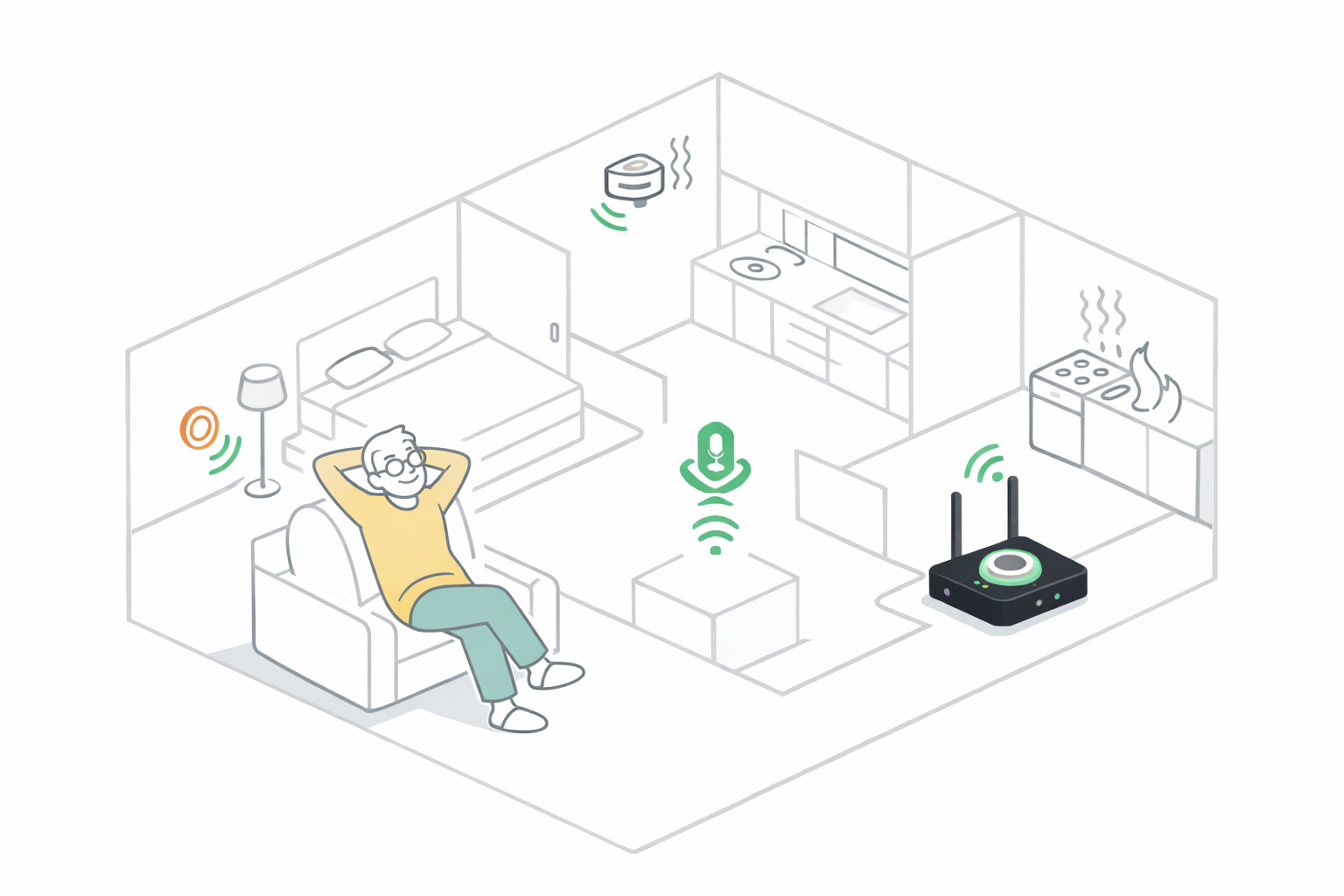
Emergencies are confusing and emotional. In that moment, no one wants to unlock a phone, search for contacts, or explain what’s happening. Even calling an ambulance can be stressful — you may need to explain the address, guide them to your building, and manage everything while the person in front of you needs help.
In most Indian homes, the fastest help is usually just a few floors away — a security guard, a neighbour, or someone inside the society. Quick Aid Tech makes sure they know immediately, so help can reach you without delay.
Large, easy-to-reach emergency buttons and voice commands mean elders don’t have to remember steps. Press or speak — that’s it.
Power cut? Internet down? Common in many Indian areas. The system is battery-backed and designed to continue functioning when you need it most.
Installable in any existing home with zero hassle. No new wiring, no renovations, and no extra work required — just immediate peace of mind.
Quiet first. Loud if needed.
Press the button or say the help phrase.
Security and your emergency contacts are notified quietly and immediately. No loud alarms. No panic.
If no one cancels or responds, the system escalates automatically. The outside alarm activates to alert more people nearby.
Pressed by mistake? Just say “Cancel.”
Each part has a clear role. Buttons and voice for triggering; gateway to coordinate; siren and security desk module for escalation.
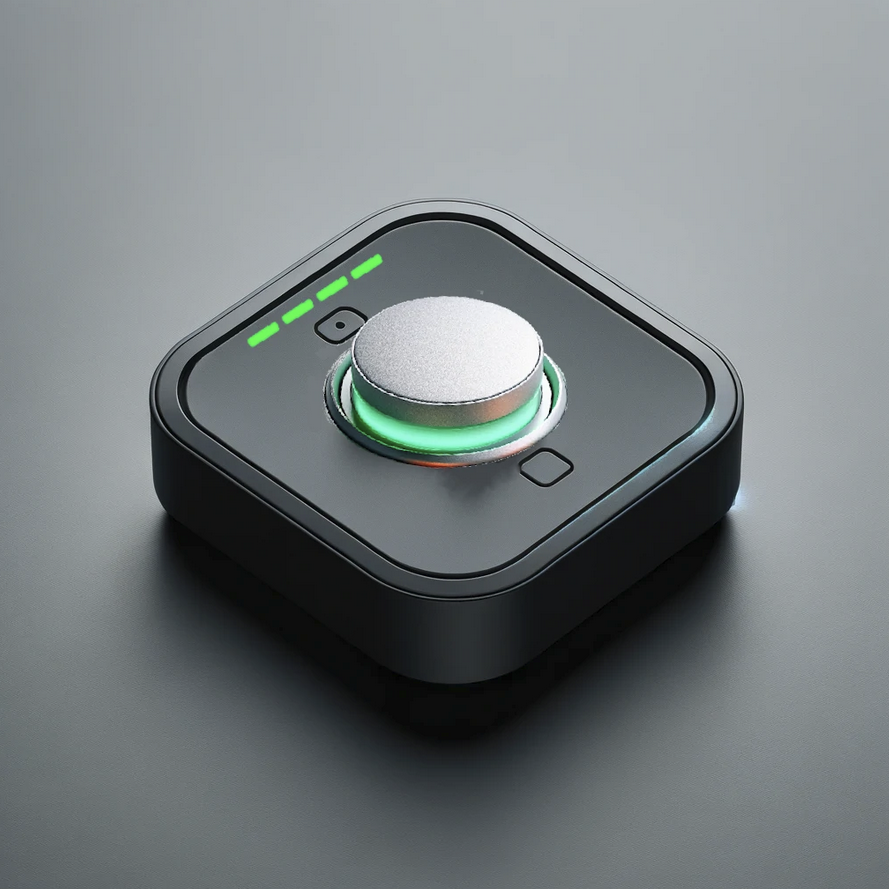
Large, tactile button mounted where it’s easy to reach. One press triggers the alert.
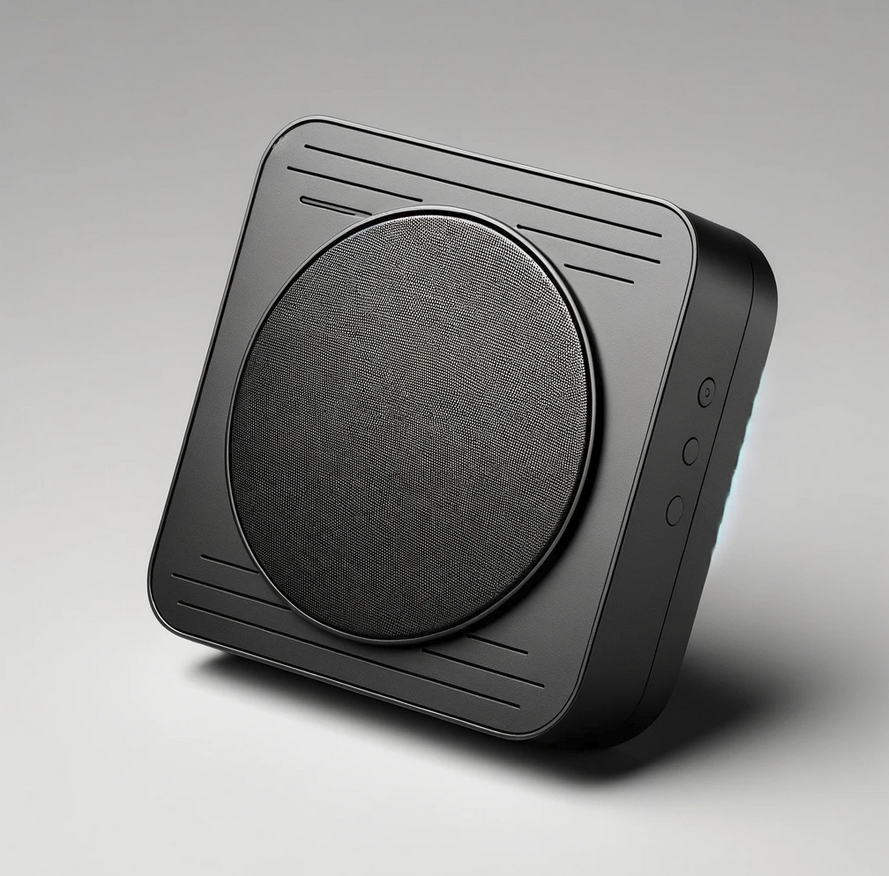
Supports voice trigger and cancel. Simple phrases, no complicated commands.

Used in escalation: strobe and siren to alert more people when the situation isn’t acknowledged.
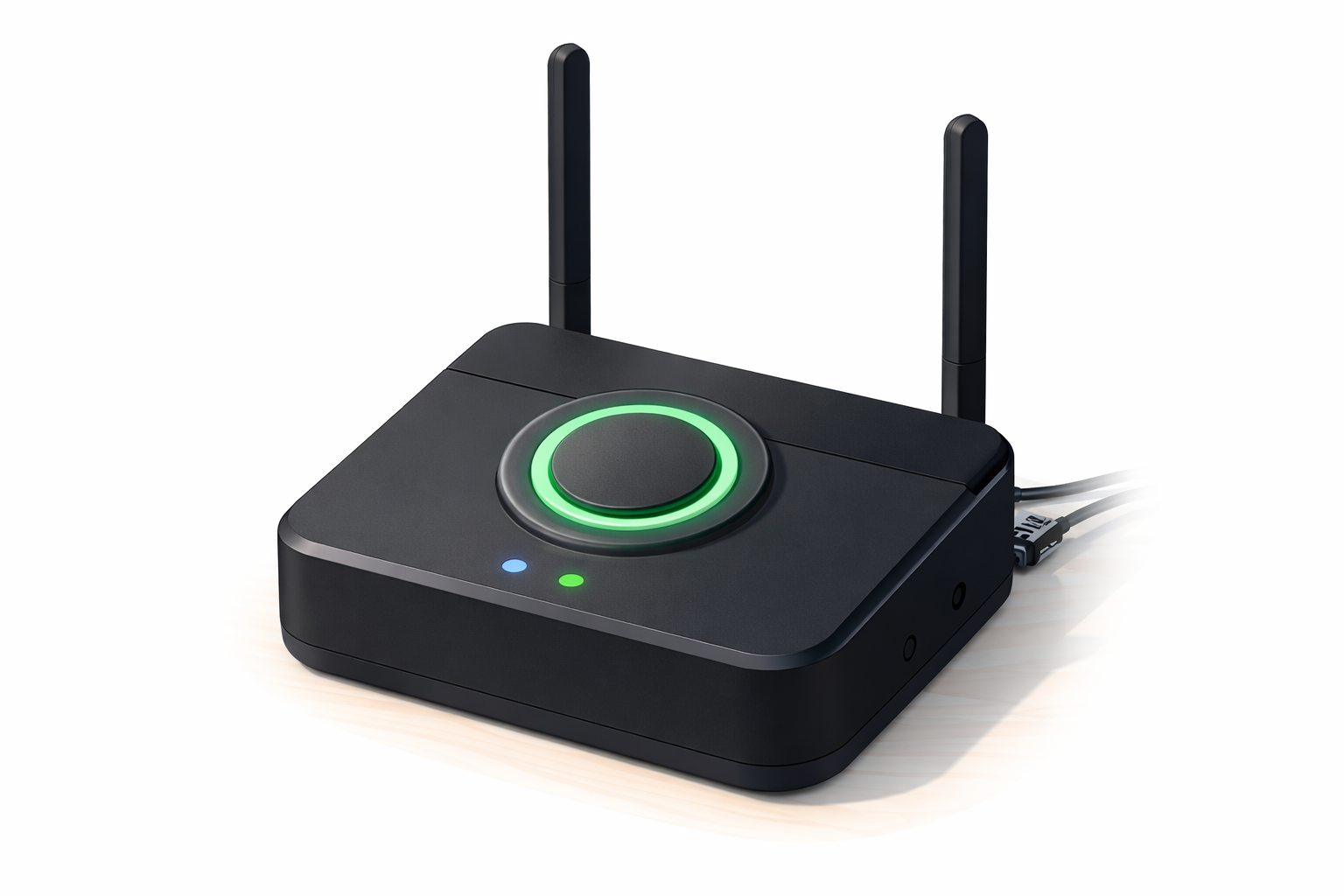
Connects all devices locally. Coordinates triggers, notifications, and escalation.
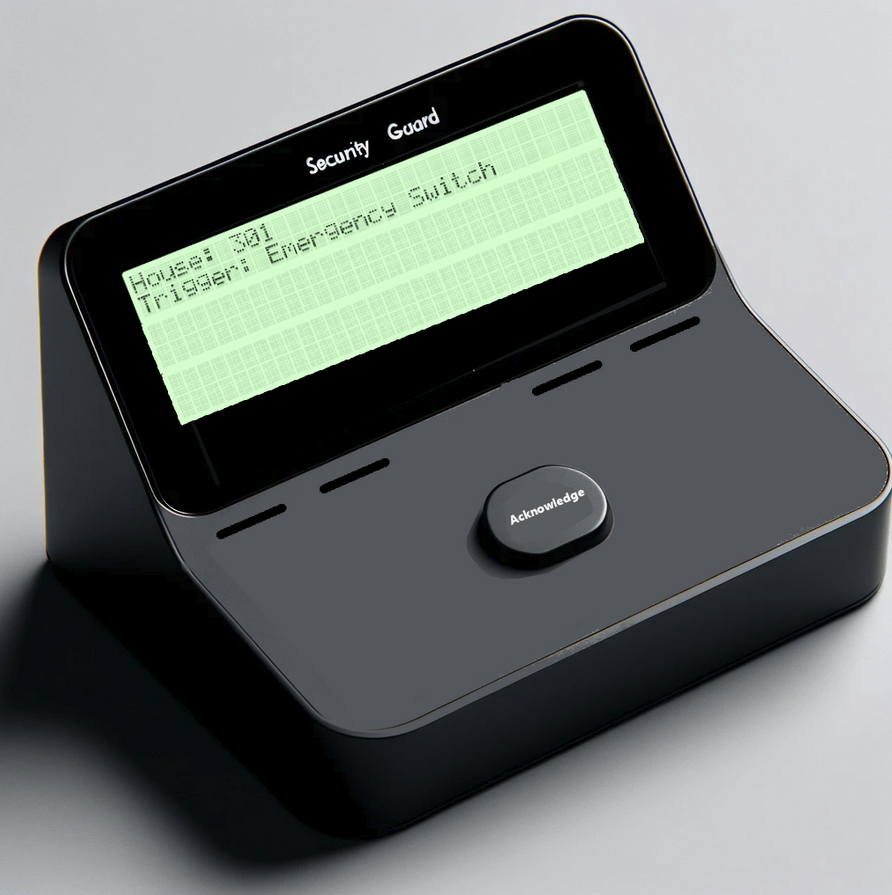
Shows which unit triggered the alert. Guard can acknowledge so the system knows someone is responding.
Everything is designed around one simple promise: when it’s triggered, someone will respond.
Installed emergency buttons and the voice module stay in your home — always on, always ready. No hunting for a phone or opening an app. One press or a simple phrase, and help is on the way.
When you trigger an alert, security and your contacts are notified first — quietly. If no one responds or cancels, the system escalates automatically so more people are alerted until someone does.
The system continuously checks battery, connectivity, and device status. If something’s wrong, you’re notified so malfunctioning devices can be identified and fixed before you need them.
Emergencies don’t check if the Wi-Fi is working. That’s why the system doesn’t depend on it. With battery backup and local communication, alerts continue even during power cuts and internet failures. Every trigger is either acknowledged — or escalated.
Preorders available in Pune and Mumbai.
Request a demo or ask a question. We’ll get back to you shortly.
Email: quickaidtech@gmail.com
Phone: +91 8390292783